Sigil.Sound: The Audio Library Behind the Workbench
Sigil.Sound is a .NET library for sound synthesis: describe an instrument or an effect in a few lines of C#, then render it to a file or play it live. It is the engine behind the Sound Script device, and you can use it in your own app.
It is a separate, MIT-licensed project, not a part of the Workbench that you have to buy into: the Workbench is one user of it, and your own app can be another. Everything about it, including the guides, the API reference and the browser REPL, lives in its own docs.
What it looks like
using static Sigil.Sound.Sounds;

var mix = (Saw(110).LowPass(800) * 0.4).Limit();
mix.RenderToWav("demo.wav", seconds: 4, sampleRate: 48_000);
A Saw through a low-pass filter, turned down and limited, written to a file. Nothing is rendered until you ask for it: a sound is a description, so you can reuse it, nest it, and render it as many times as you like.
The part that makes it feel different from a bag of filters is that any parameter takes a number, another sound, or a function of time. A slow sine can sweep a cutoff, an envelope can drive pitch, and the same idea reaches gain, mix and FM:
// A slow sine sweeps the filter cutoff.
var sweep = Sine(0.25).Range(200, 2000);

Saw(110).LowPass(cutoff: sweep, q: 4) * 0.4
What is in it
- Sources and shaping: band-limited oscillators, noise, samples, envelopes and filters. Sources and Effects list them.
- Notes and patterns: sequences, scales, chords and a compact mini-notation, played by any instrument you describe. Notes and patterns.
- Render or play live: render to memory or WAV offline, or send the same sound to live output and swap parts while it plays. Render or play live.
- Your own operators: write an
IOperatorand use it like a built-in. Custom operators.
The operators that run per block are written for real time: no allocations and no locks on the audio path. The core package has no dependencies and also runs in the browser.
Who it is for
- .NET developers who want synthesis, effects or generative audio in a game, a tool or a plugin without writing a DSP engine first.
- Sound designers who write code and want a quick way to sketch an instrument and hear it, with the browser REPL as the scratchpad.
- Workbench users who want to go past the stock devices. The Sound Script device runs a script on top of this library, in two modes explained in Graph Mode and Trusted Code.
Try it without installing anything
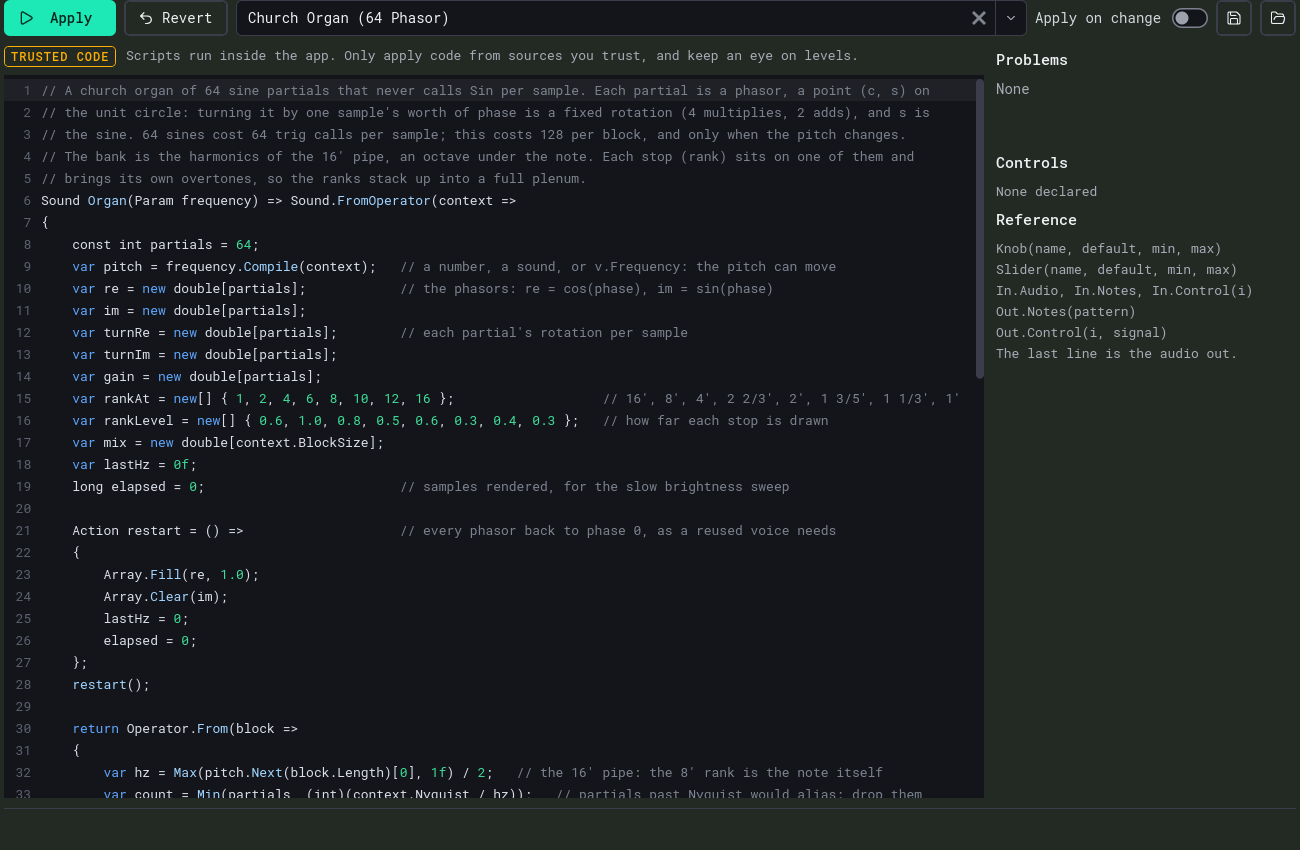
The REPL runs in your browser: C# is compiled on the page and streamed to Web Audio. Every example in the API reference has an Open in REPL link that loads it ready to play. Press Ctrl+Enter to play, edit anything, and the new sound crossfades in. It is also the quickest way to see what the library can do; start with the Church organ example.
Where it stands
This is version 0.1.0, the first public release. The public API is tracked and every documentation example is tested, but until 1.0 the API may change between minor versions, and every change is listed in the changelog. The versioning page says what a version number promises. Pin to a minor version if you want to move on purpose.
Questions and bugs go in the GitHub issue tracker.